 Official registration
Claru registration: how to register to work
Step-by-step registration at Claru: create an account, complete profile, verification, qualification and first projects.
Step by step
Registration in practice
- 01
Sign up
You create an account on Claru website with email and basic data.
- 02
Profile
Complete the profile by informing country, languages and available equipment.
- 03
Project
Search among the open projects for those that accept your region.
- 04
Qualification
It goes through screening, testing or sample video according to the project.
- 05
Task
Performs the task exactly following the script and instructions.
- 06
Approval
The material is reviewed by the project quality team.
- 07
Payment
Approved work goes into the project payment calendar.
Preparation
What you need to have on hand
Minimum age according to the project
Country eligible for the chosen vacancy
Account verified on the platform
Compatible equipment
International payment method
Follow the itinerary instructions
Work approved in review
After
What to do after creating the account
1. Complete the profile
Fill in the country, languages and available equipment right after creating the account.
2. Search for projects
Filter open positions for your country and read the requirements carefully.
3. Go through qualification
Take the screening or sample video requested by your chosen project.
FAQ
Questions about registering with Claru
Is registration at Claru free?
Yes. There is no cost to creating an account and applying for projects. You should never pay to register.
Do I need a document to register?
The account is created with basic data, but projects may require identity and country verification before releasing tasks.
Can I now work after registering?
Not necessarily. You need to find an open project for your country, go through the qualification and be approved.
Can I register without an iPhone?
There are non-video recording projects such as data assessment and annotation. For video collections, check the vacancy's equipment requirement.
How do I log in to Claru later?
Using the same email and password used when registering, accessing the platform through our registration link.
Transparency: claru.org is our affiliate link. Registration is free and we may receive commission on accepted work, at no cost to you. Ganhe Treinando IA is an independent source, not an official employer or recruiter of Claru.
Before you start
What to prepare to create a good profile
True data
Enter country, languages, equipment, experience and environments to which you actually have access. Claru uses this data to compare the profile against each project's criteria.
One profile per person
The general terms inform that each person must maintain only one account, unless authorized in writing. Duplicate accounts may be suspended.
Read before accepting
Check remuneration, format, deadline, image rights, consents and acceptance criteria. Only participate when you understand the entire proposal.
Registration is not immediate hiring
Creating a profile puts you in the contributor base. The next step is the compatibility analysis. Claru expressly states that this does not guarantee an opportunity, start date, amount of work or payment. Projects appear according to customer demand, region, device, environment and experience.
How to increase the chance of compatibility
- Complete all fields with current information.
- Correctly inform the model of the cell phone and other equipment.
- List real experiences, including domestic and professional tasks.
- Keep email and notifications accessible so you don't miss invites.
- Do not invent access to companies, warehouses or private locations.
Create my account at Claru
Register through our referral link.
This portal may receive a commission if you register through our link.
Prepare recording for Claru
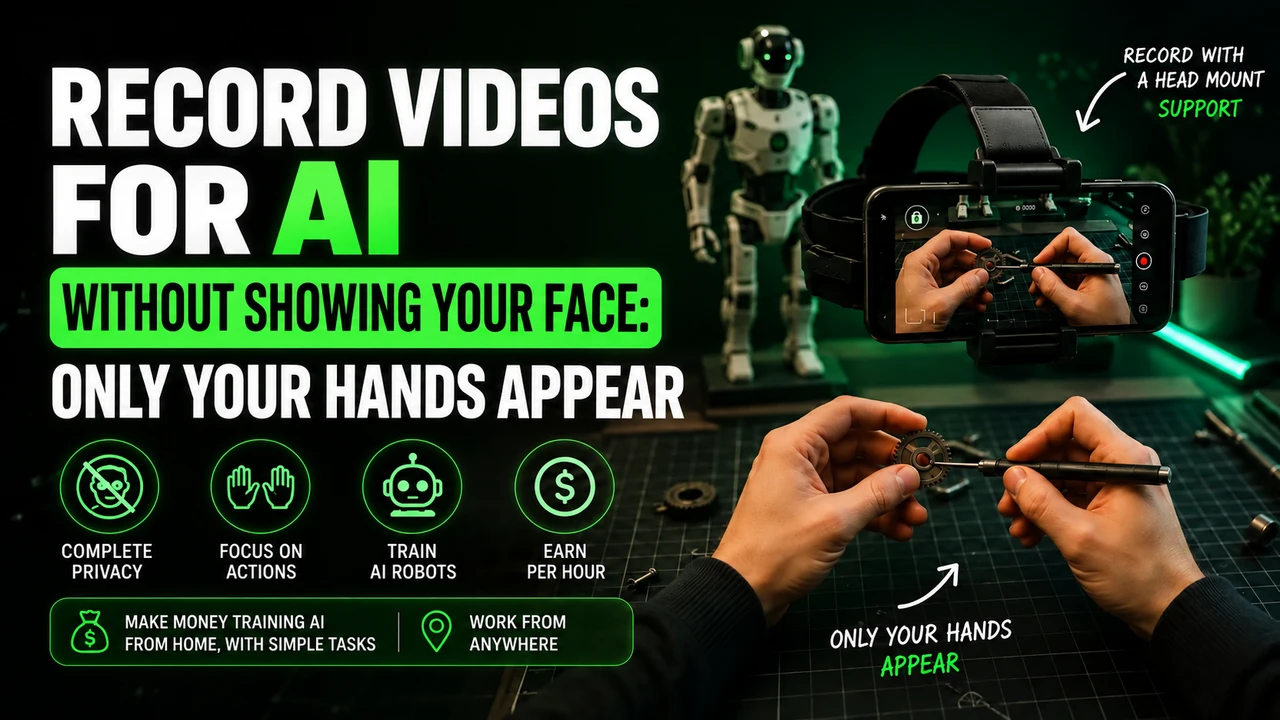
For head-mounted first-person tasks, free your hands, adjust the headstrap, and film the actual activity until completion. Avoid faces, children, unnecessary body exposure, long pauses and artificial repetition.
If the stream uses Minute, check in the app: iPhone 12 to 17 (except 16e and 17e), Google Pixel 6 to 9, and Samsung Galaxy S21 to S26 (except FE models). Reserve the email intended for this link and obtain the synchronization code in the instructions for your own Claru account.
You can buy the cell phone head mount at Shopee e consult the option of renting a compatible cell phone. Before recording, read the step-by-step recording of Claru, with account, framing and warning about blocks.