Free registration
How to register with Crowtado: complete guide
Create an account in about 90 seconds, configure your payment method and be ready to take the first voice, video and photo briefings.
Last updated: 08/27/2026
Step by step
Registration in practice
- 01
Registration in 90 seconds
Telephone, email and payment method. No CV, no interview and no initial cost.
- 02
Choose the job
Open the day's briefings—voice, POV video, or photos—and see how much each person pays before they start.
- 03
Record and send
Follow the briefing, correct what the app points out (low, dark, short) and send the contribution.
- 04
Review in hours
Reviewers check the material in hours, not days, and the approved amount goes into the balance.
- 05
Request withdrawal
With a balance of US$10 you can now request a withdrawal using the chosen payment method.
This article may contain affiliate links. When you register through our link, we may receive a commission at no additional cost to you.
Preparation
What you need to have on hand
A cell phone with a working camera and microphone
Valid phone number and email
Payment method in your name (PIX, Mercado Pago, PayPal or Wise)
Quiet room for voice tasks
No previous experience is required
Stable internet to send audios and videos
Minimum age according to the platform terms
Document requirement and approval deadline: Information not publicly available. We recommend checking directly after registering.
After
What to do after creating the account
1. Choose the language and profile
Define Brazilian Portuguese and complete your profile data: this helps the platform to show you the briefings that are compatible with you.
2. Configure receipt
Register PIX, Mercado Pago, PayPal or Wise in your own name. Third-party data is the most common cause of a stuck withdrawal.
3. Make the first submission
Start with a short voice briefing, in a quiet room, and check the audio before sending to avoid losing approval.
Attention
Common errors when registering
⚠️ Email or phone number entered wrong, without confirming the account
⚠️ Payment method in someone else’s name
⚠️ Create more than one account to try to double your earnings
⚠️ Start recording without reading the entire briefing
⚠️ Record voice in an environment with a TV, fan or open street
⚠️ Send old material, reused from another task
Registration time
About 90 seconds
Entry cost
Free
Minimum withdrawal
$10 balance
FAQ
Questions about registering with Crowtado
Is registration at Crowtado free?
Yes. The platform informs that there is no initial cost, CV or interview. Never pay any fees to register or release tasks.
How long does it take to create the account?
Around 90 seconds, according to the platform itself: telephone, email and payment method.
Do I need to send an identity document?
The official registration requires a telephone number, email address and payment method. Information not publicly available. We recommend checking directly after registering.
Can I register from Brazil?
Yes. Registration is open globally and the interface is available in Brazilian Portuguese; The list of visible briefings varies by country and day.
I registered and no tasks appeared. Is it normal?
Yes. Briefings come and go according to laboratory demand. Keep your profile complete and check your dashboard frequently.
Can I have more than one account?
It is not recommended. Duplicate accounts and resubmitted material are common causes of disapproval and blocking on data collection platforms.
Create my account at Crowtado
Free registration, no interview and no initial cost. Then just choose a briefing and record.
This article may contain affiliate links. When you register through our link, we may receive a commission at no additional cost to you.
Prepare recording for Crowtado
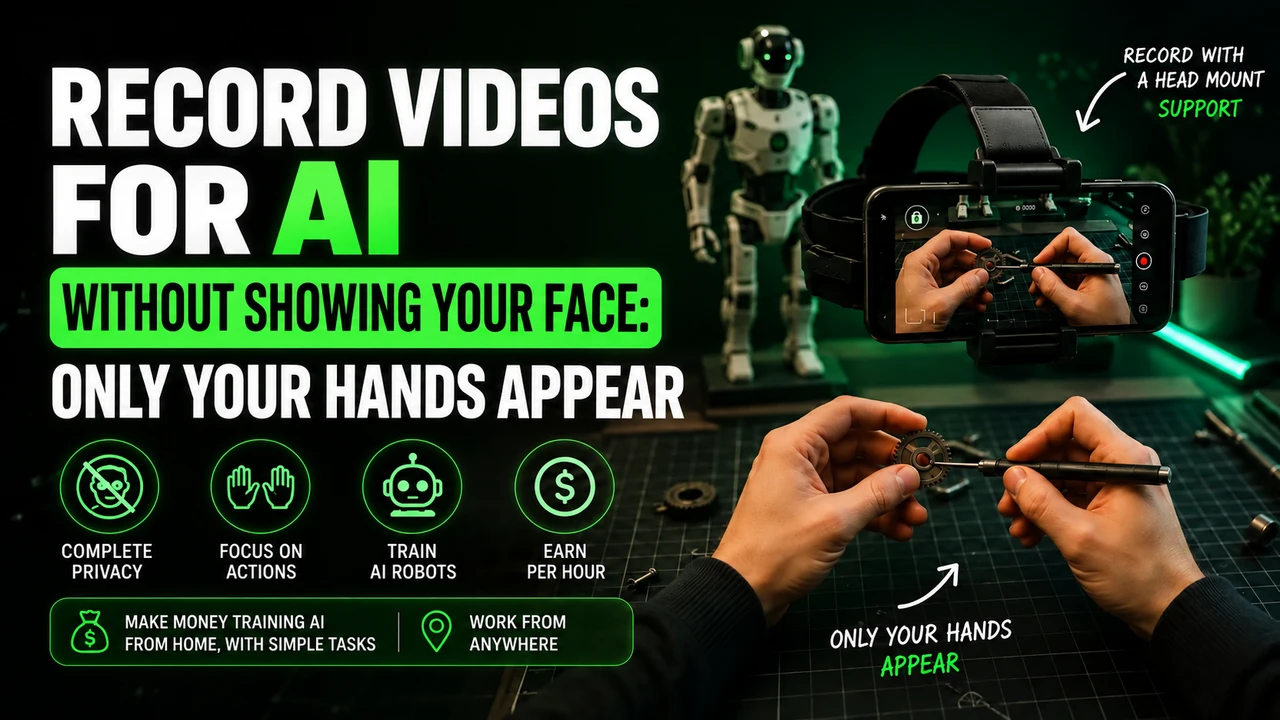
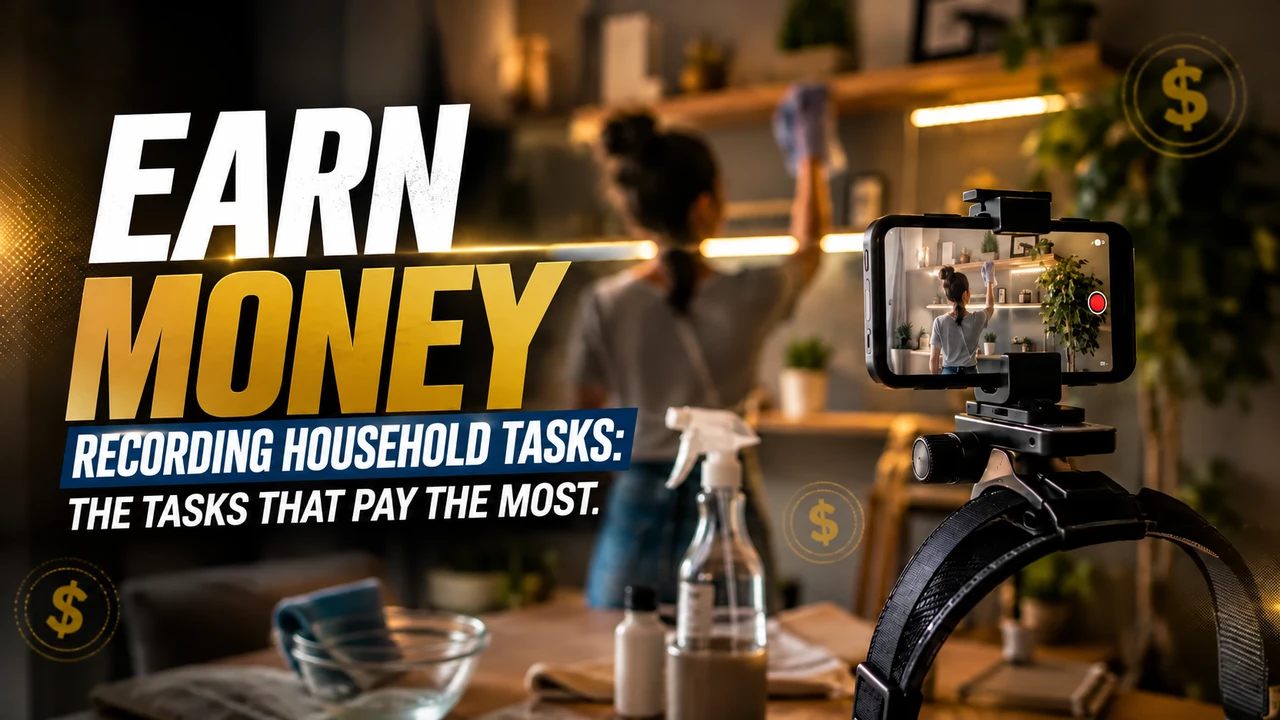
For head-mounted first-person tasks, free your hands, adjust the headstrap, and film the actual activity until completion. Avoid faces, children, unnecessary body exposure, long pauses and artificial repetition.
If the stream uses Minute, check in the app: iPhone 12 to 17 (except 16e and 17e), Google Pixel 6 to 9, and Samsung Galaxy S21 to S26 (except FE models). Reserve the email intended for this link and obtain the synchronization code in the instructions for your own Crowtado account.
You can buy the cell phone head mount at Shopee e consult the option of renting a compatible cell phone. Before recording, read the step-by-step recording of Crowtado, with account, framing and warning about blocks.