Brazilian platform
Flambra registration: how to get started and set up your account
Starting on the right track helps keep registration, recordings and payments in the same account. See how to use the invitation, understand the panel steps and prepare your first send without skipping the guidance.
By Daniel Olímpio · Updated 9/10/2026
This guide contains a referral link. The portal may receive a commission or benefit if you participate by invitation, at no additional cost to you.
Start with Flambra referral link
Open the Flambra registration by our invitation. Use this address to start your participation and fill in the data that the form requests. You don't need to start with an app store.
Choose an email that you check frequently. If you prefer, reserve a Gmail to organize work messages. This is a practical organizational suggestion, not a provider requirement. Note which address was used and protect the password.
The terms require you to be 18 years of age and do not allow you to use third-party accounts. Register your own data. Do not open repeated registrations to try to resolve an access issue.
Understand the first four steps of the panel
Registration and device confirmed
The first stage of the print indicates that access to the panel has been released. Read your account status; someone else's example does not mean that your approval will be equal.
Understand how it works
This step presents the necessary support and how to record recordings. Take time to read before moving forward.
Configure recording
In the printout, this option still appears blocked. Complete the previous guidance and follow the access granted by Flambra.
Register your Pix key
Check the key and receipt data before saving. The panel uses this information for payments and bonuses.
The same email helps maintain the correct link
The Flambra integration guidance asks for the registration email and an operation code made available on the panel after approval. Copy the code from within your account when prompted. It serves to relate the capture to the correct work; it is not a password to share in groups.
If the code still doesn't appear, check the status of the first steps. If you have already completed the guidance and are still blocked, inform support which step is pending. Avoid trying codes found in old comments or tutorials.
You don't need to know the name of each tool to get started: the panel guides you through the appropriate configuration. Enter first by invitation and use the access presented after release.
What to check out after entering
- Account name and email, so as not to confuse access.
- Device used and confirmation stage.
- Recording guidelines and task category.
- Pix key and payment screen.
- Communications channel, to monitor closings and changes.
The initial print shows approved money, hours under analysis, recording sequence and level. These fields may remain zero until you send material and it passes evaluation. A panel without production does not represent a registration failure.
Prepare a simple first video
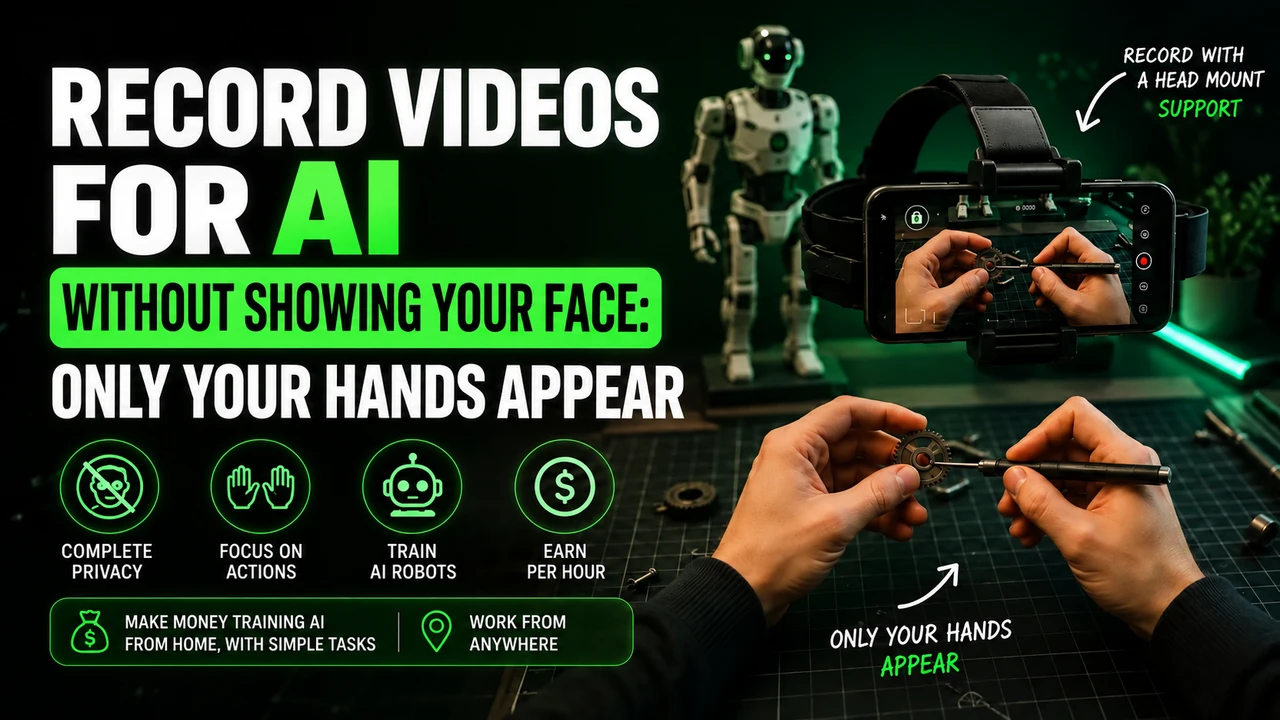
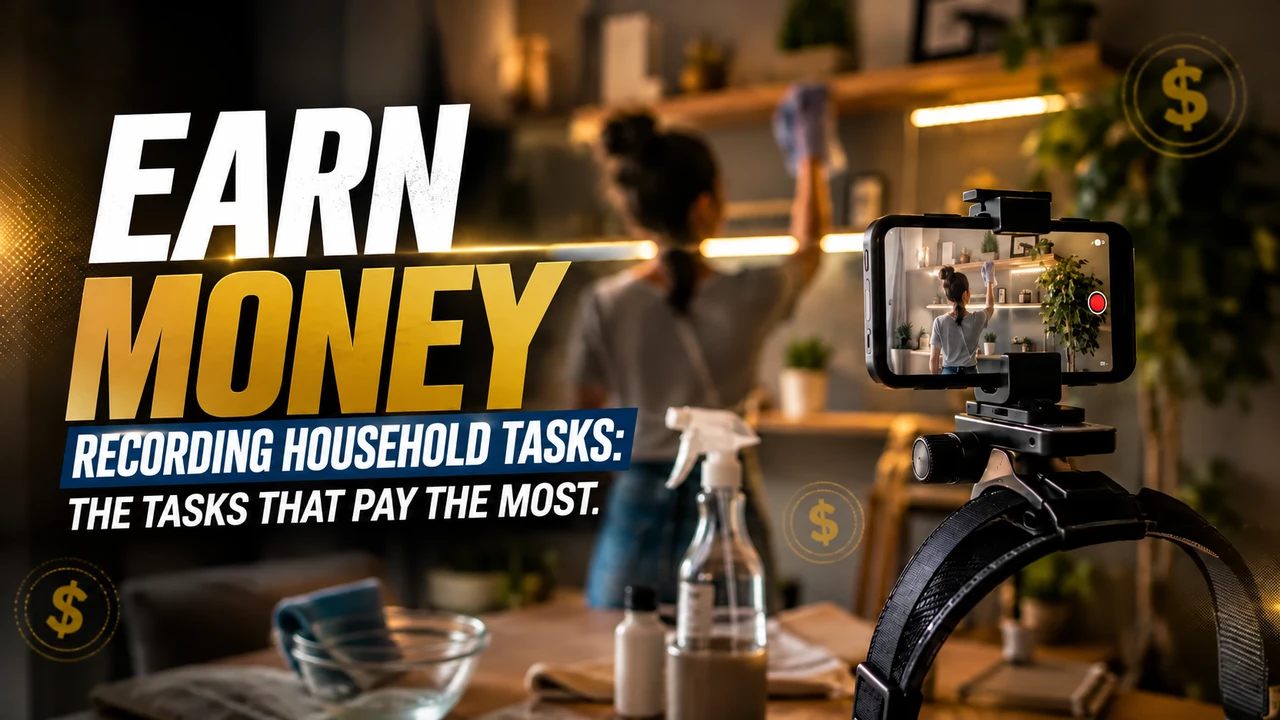
Choose a short, real task that you can complete calmly. Organize the space, place the support, observe the framing and perform the service. When finished, check the shipping status before starting too many sessions.
If the device is not accepted, consult the compatible models guide. If the question is about what to film, read how to record tasks for Flambra. Registration comes before the decision to buy or rent equipment.
How to ask for help objectively
Tell us which stage you are at, the complete phone model and the message displayed. A description like “I completed the guidance, but the recording step is still blocked” helps more than just “it doesn’t work.” If you send a capture to support, hide data that is not necessary.
The community provides humanized support and a weekly meeting on Mondays at 6pm. Check the notice on the panel to find out access and times of the week. Avoid waiting for a meeting to report a problem that prevents your participation.
Learn more about Flambra
FAQ
Do I need to log in through the app before registering?
Start with the invitation from Flambra. Then follow the recording configuration available in your account.
Can I use Gmail?
Yes, you can use an accessible personal email; Gmail is a practical preference, not an informed requirement.
Why does a step appear blocked?
The panel may require you to complete the first few steps. Check the previous steps and seek support if the blockage persists.
Information verified on 09/10/2026 from the screens provided to the portal, the public presentation and the participation guidelines. Meeting times and payments were informed by the community. Check the current status of your account.
Start your participation in Flambra
Open the registration using our invitation. Check the task and compatibility before investing in equipment.
Referral and purchase links can generate commission for the portal, at no additional cost to you.