 Free registration
How to Register at Hub Data: Complete Guide
Create an account, verify identity, configure receipt via PIX and be ready for your first recording campaigns.
Step by step
Registration in practice
- 01
Create account
Free registration on Hub Data platform with email and basic data.
- 02
Verify identity
Sending a document (RG, CNH or equivalent) to validate the account.
- 03
Check cell phone
Confirm that your device is compatible with the required recording.
- 04
Assemble the setup
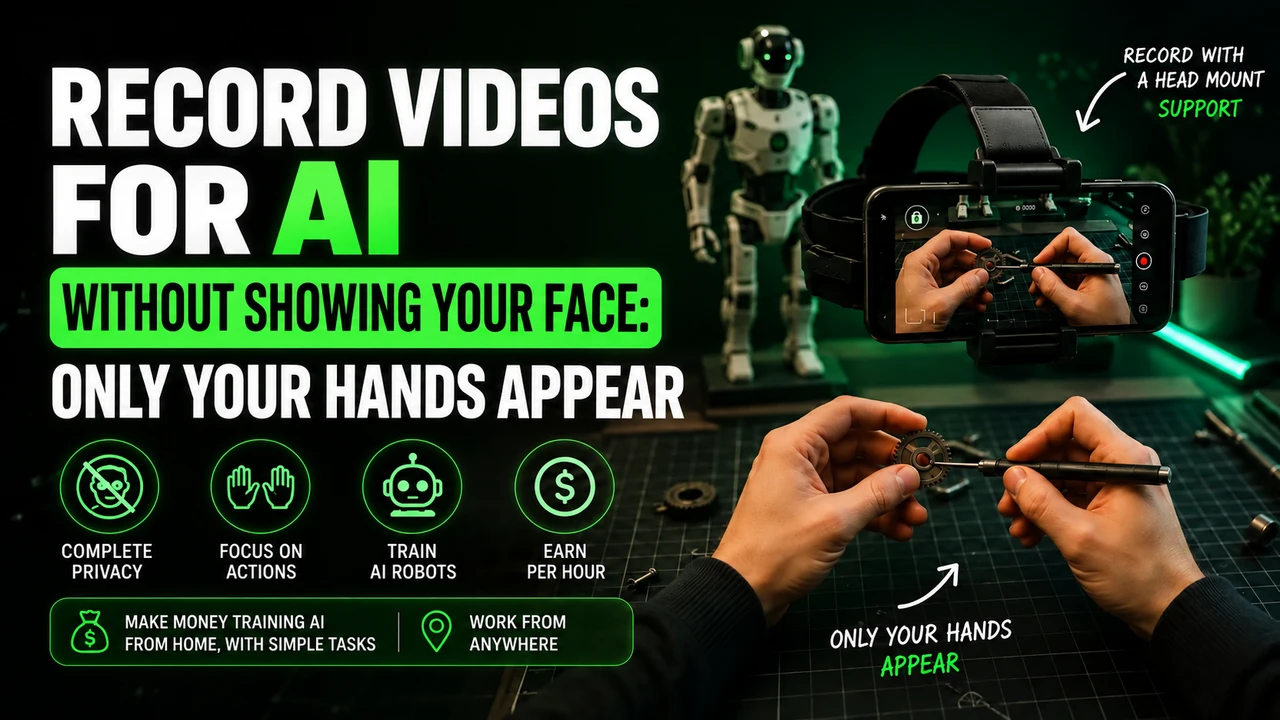
head strap with the cell phone pointed at the hands.
- 05
Save the task
Follow the campaign script and record from start to finish, without cuts.
- 06
Send and wait
Upload via the app/panel and check the quality of the material.
- 07
Receive
Approved hours become a balance and withdrawals are made via PIX or transfer.
This article may contain affiliate links. When you register through our link, we may receive a commission at no additional cost to you.
Preparation
Required documents and items
Valid document for identity verification
Majority according to the platform’s terms
Compatible cell phone (check the platform before purchasing accessories)
Cell phone holder/headband
Brazil among the network’s active countries
PIX key or bank account in your name
Stable internet to upload large videos
Approval time: Information not publicly available. We recommend checking directly after registering.
After
What to do after registration
1. Complete the profile
Fill in country, personal details and complete identity verification. Incomplete profile usually blocks the release of campaigns.
2. Configure receipt
Register the PIX key or bank account in your own name. Third-party data is the most common withdrawal blocking error.
3. Assemble the setup and test
Attach your cell phone to the head mount, record 1 minute of testing and check if your hands appear in the center of the frame.
Attention
Common errors when registering
Name different from the document sent
PIX key in someone else's name
Photo of the document cropped, blurred or with reflection
Email entered wrong, without confirming the account
Buy a head strap and accessories before checking cell phone compatibility
Create more than one account to try to double your earnings
Base pay
$5.00 / approved hour
Withdrawal
PIX or transfer
Entry cost
Free registration
FAQ
Questions about registering with Hub Data
Is registration at Hub Data free?
Yes, entry to the platform is free according to the official website. You should never pay a fee to register or release tasks.
What documents do I need to send?
Brazilian reports indicate identity verification with ID, CNH or other accepted document, in addition to basic personal data and the PIX key in your name.
How long does registration approval take?
Hub does not publish an official deadline. Information not publicly available: reports cite quick release after identity verification, but the campaign queue may take longer.
Can I register without having the head strap?
Yes, registration is independent of the accessory. It's just not possible to record properly without it; some campaigns reported in Brazil sent the kit free of charge.
Does my cell phone need to be top of the line?
Not necessarily, but it needs to be on the platform's compatibility list and record stable video. Please confirm this before purchasing any accessories.
I registered and no tasks appeared. Is it normal?
Yes. Campaign availability varies by region and week. Keep your profile and verification complete to appear in future pickups.
Create my account at Hub Data
Free registration in just a few minutes. Then just verify your identity and look for open campaigns.
This article may contain affiliate links. When you register through our link, we may receive a commission at no additional cost to you.
Prepare recording for Hub Data
For head-mounted first-person tasks, free your hands, adjust the headstrap, and film the actual activity until completion. Avoid faces, children, unnecessary body exposure, long pauses and artificial repetition.
If the stream uses Minute, check in the app: iPhone 12 to 17 (except 16e and 17e), Google Pixel 6 to 9, and Samsung Galaxy S21 to S26 (except FE models). Reserve the email intended for this link and obtain the synchronization code in the instructions for your own Hub Data account.
You can buy the cell phone head mount at Shopee e consult the option of renting a compatible cell phone. Before recording, read the Hub Data recording step by step, with account, framing and warning about blocks.