 Tasks and recording
Hub Data Tasks: Complete List and Values
What you record, how much you pay for each work front, requirements, difficulty and what makes a video approved or rejected.
Complete Grid
All tasks we have located
Each card shows description, payment, requirements, average time, difficulty and the level of confidence of the information.
Household chores
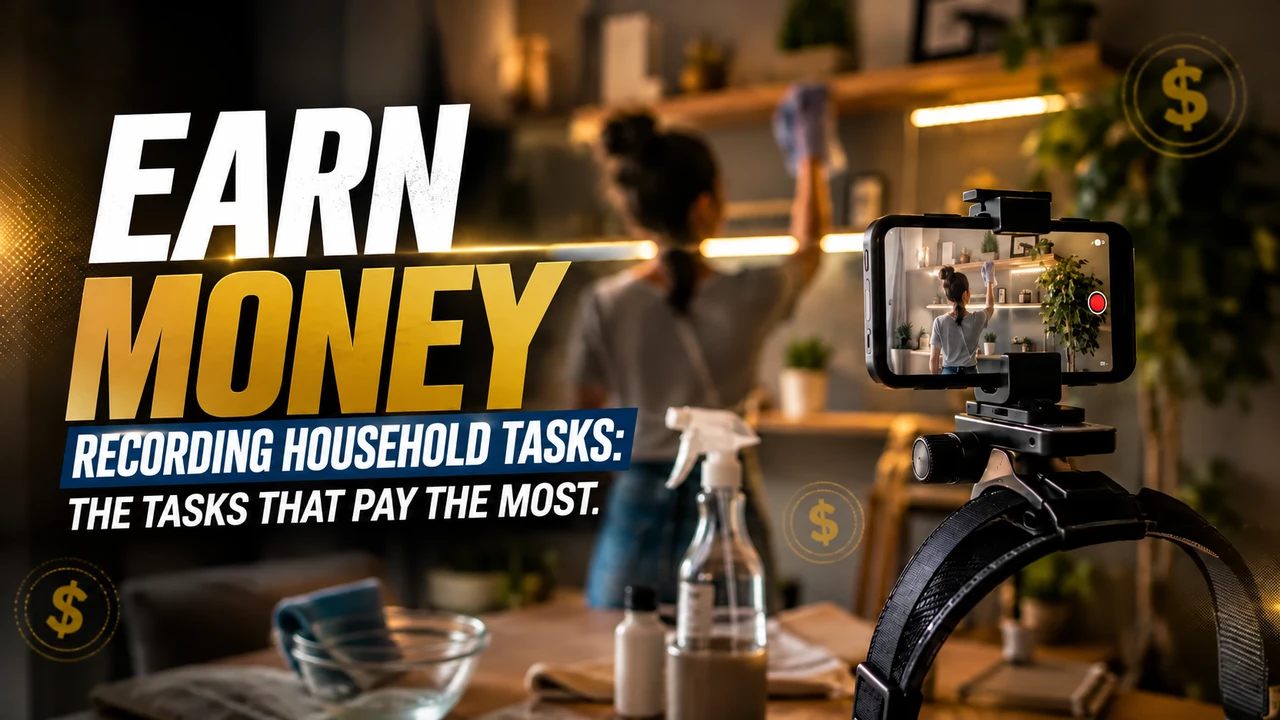
Wash dishes, fold clothes, make the bed, put away shopping, organize objects.
Kitchen
Food preparation, use of utensils, cleaning and organizing the kitchen.
Shopping and market
Recording supermarket purchases and handling products on shelves.
Garden and outdoor area
Watering plants, pruning, weeding, yard cleaning and landscaping.
Workshop, electrical and hydraulic
Technical services: plumbing, electrical, air conditioning, bodywork and tires.
Commercial work (Hub for Business)
Restaurant, warehouse, construction site, light assembly, commercial laundry, hospitality, carpentry, recycling and events.
Image collection
Photograph objects, products, environments and specific scenes for datasets.
Audio and voice
Multilingual field recordings used in Hub audio datasets.
Classification and annotation
Categorization, review and annotation campaigns for data that appear in certain periods.
This article may contain affiliate links. When you register through our link, we may receive a commission at no additional cost to you.
Approval
Tips for getting your video approved
✅ Read the entire campaign script before starting
✅ Record the complete task: pick up the material, execute it and save it
✅ Move your head slowly; the robot learns with stable image
✅ Prefer natural light or a well-positioned lamp
✅ Make natural movements, at the normal pace of everyday life
✅ Clean the lens before each session
✅ Check the video before submitting: you are the first reviewer
Attention
Errors that cause rejection
❌ Hands off the board or task partially visible
❌ Shaky, blurred or low-light video
❌ Task interrupted, edited or cut in half
❌ Faces of other people or children appearing without authorization
❌ Documents, passwords and personal data visible in the scene
❌ Task different from the script requested in the campaign
❌ Repeated recording of the same material to inflate hours
As payment is per approved hour, each rejection means recorded time without return. It's better to record less and better.
Strategy
How to maximize earnings
Prioritize scarce tasks
Technical jobs and professional environments appear at the highest end of the public scale (up to $10/hour approved).
Continuous blocks
As payment is per approved hour, longer, well-executed sessions yield more than many short clips.
Standardize the setup
Same point of light, same holder position and clean lens drastically reduce the rejection rate.
Read the script twice
Most of the rejections are out-of-spec material, not poor image quality.
Take advantage of the recommendation
The two-tier program advertised in Brazil pays R$2.50 (level 1) and R$1.25 (level 2) per valid hour of the person you nominated.
Follow the panel
The official dashboard shows earnings, hours recorded, and pass rate — use this to correct what you fail.
FAQ
Questions about the tasks
Which tasks pay the most at Hub Data?
The highest ranges on the public table (up to US$10 per approved hour) appear in more scarce and technical jobs, such as electrical, plumbing, workshop services and specific commercial environments.
How long should each video be?
The duration is defined by the campaign script. The general rule is to record the entire task, from start to finish, without cuts — payment is per approved hour, not per file sent.
Can I record the same task multiple times?
Repeating the same task is normal and even desirable for training, as long as the execution is real. Resubmitting the same duplicate material to inflate hours causes rejection.
Do I need experience for the tasks?
No. According to Hub itself, no experience is necessary: the tasks are common everyday activities recorded in first person.
Why was my video rejected?
The most frequent reasons are hands outside the frame, blurry or dark image, interrupted task, third parties appearing in the scene and material that does not follow the requested script.
View tasks open to me
The list of campaigns changes by region and week. The real check is inside the panel.
This article may contain affiliate links. When you register through our link, we may receive a commission at no additional cost to you.
Prepare recording for Hub Data
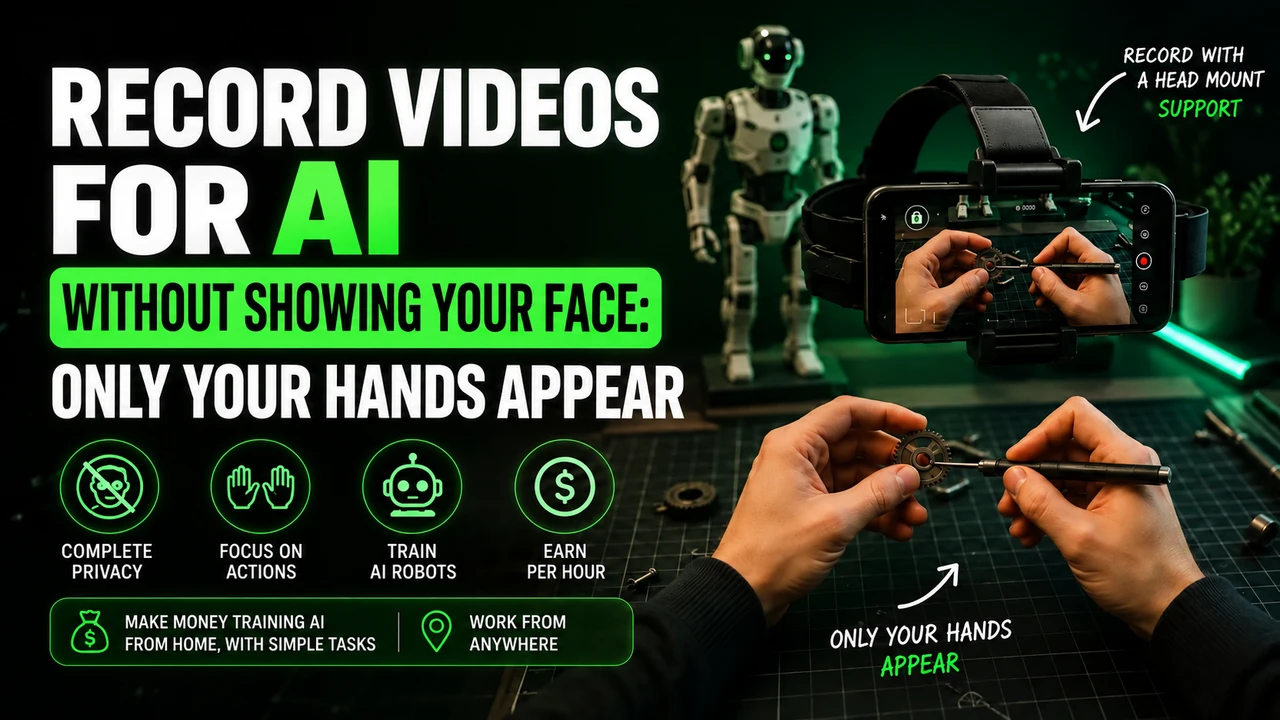
For head-mounted first-person tasks, free your hands, adjust the headstrap, and film the actual activity until completion. Avoid faces, children, unnecessary body exposure, long pauses and artificial repetition.
If the stream uses Minute, check in the app: iPhone 12 to 17 (except 16e and 17e), Google Pixel 6 to 9, and Samsung Galaxy S21 to S26 (except FE models). Reserve the email intended for this link and obtain the synchronization code in the instructions for your own Hub Data account.
You can buy the cell phone head mount at Shopee e consult the option of renting a compatible cell phone. Before recording, read the Hub Data recording step by step, with account, framing and warning about blocks.